Unblur Image Online

Unblur and fix blurry images online using UnblurAny’s free AI-powered image tools. Upload your photo for clearer results instantly.

Drop your image here

Or choose a file from your device

JPG, PNG, WebP up to 20 MB
Check the expected size and cost before signing in.
Young woman with freckles and brown hair in a cream sweater

How to use Unblur Image

From a soft photo to a full-resolution download in three steps.

  1. Choose a photo

    Choose a JPG, PNG, or WebP to check its dimensions and estimated credit cost before signing in.

  2. Check the progress

    If you’re signed in, processing starts when you choose an image. The AI unblur tool picks 1×, 2×, or 4× based on the original dimensions and shows the estimated output size and credit cost while it works.

  3. Compare and download

    The enhanced image appears when it’s ready. Hold the original button to check details like faces or text, then release it to return to the result. Download the full-size image when you’re done.

Unblur Image for photos worth keeping

Drag the sliders to see how sharper details change portraits, old photos, screenshots, and more.

Portraits and selfies

Sharpen selfies and group photos to bring out the detail in eyes, hair, and facial contours.

Choose the original camera file if you have it. Drag the divider across the eyes and hairline to see how sharper edges change the face and how fine skin texture looks.

Unblur image now

Young woman in a denim jacket smiling by a cafe window

Old photos and family scans

Use AI unblur to sharpen scanned portraits and bring out the details in family photos before reprinting.

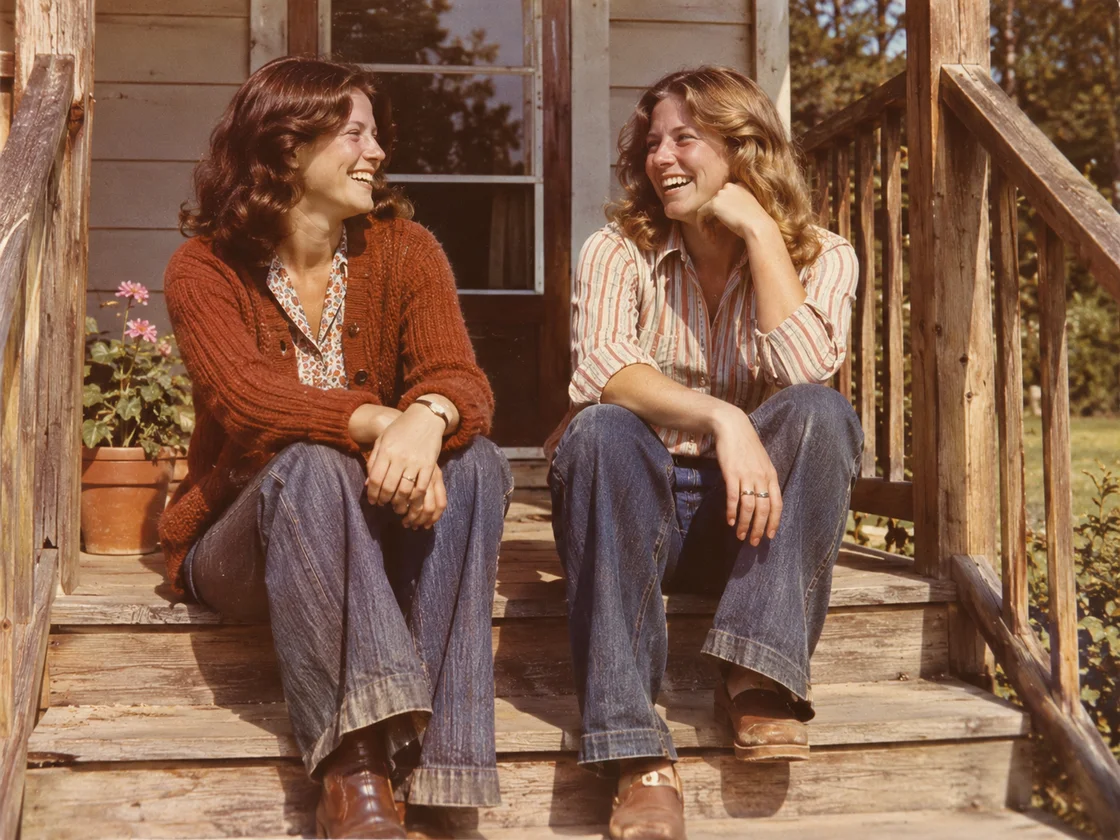
Scan the print flat and keep a copy of the original. Drag the slider across the faces, clothing folds, and porch railing to compare details.

Unblur image now
Vintage family photo of two sisters laughing on porch steps

Screenshots and text

Use AI unblur to sharpen letter edges, icons, and fine lines in screenshots and photos of signs.

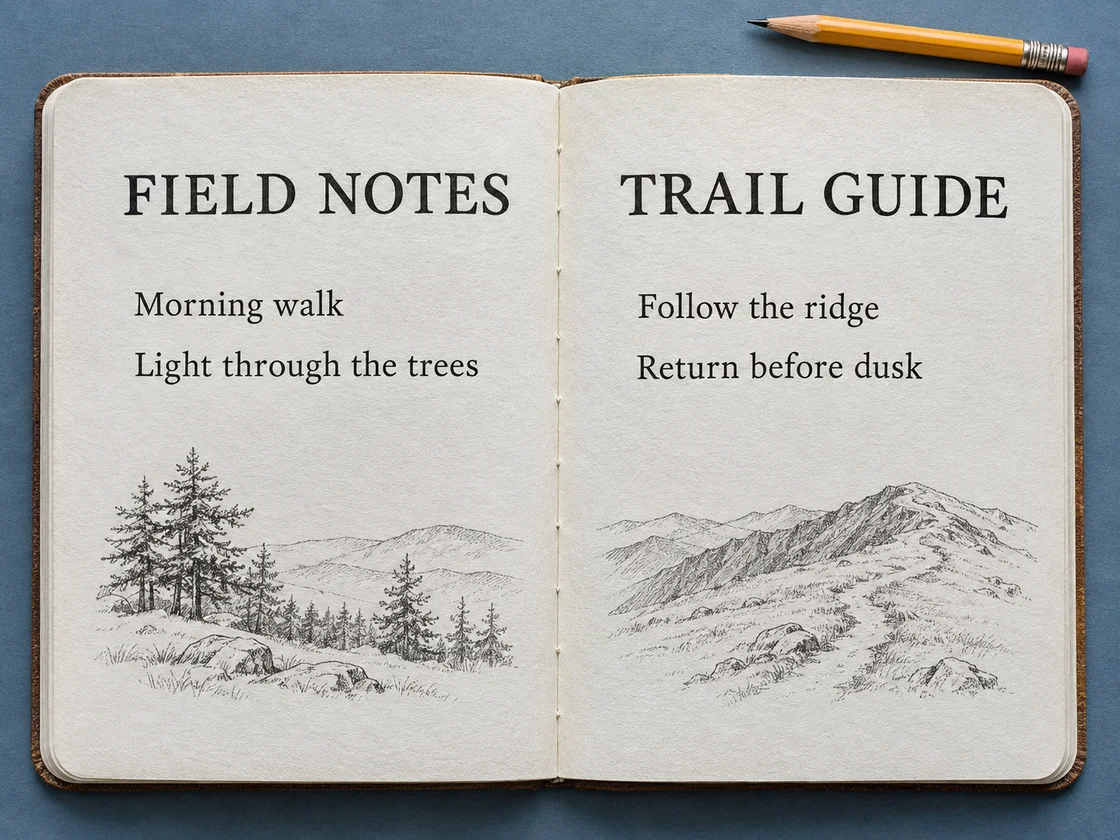
For a screenshot, use the original capture before it was resized for a message. Move the divider across the notebook to compare letter edges and the texture of the paper.

Unblur image now
Open notebook with printed Field Notes and Trail Guide pages

Product and listing photos

Use AI unblur to bring out packaging edges, stitching, and surface textures in product photos. Eligible smaller images are enlarged automatically.

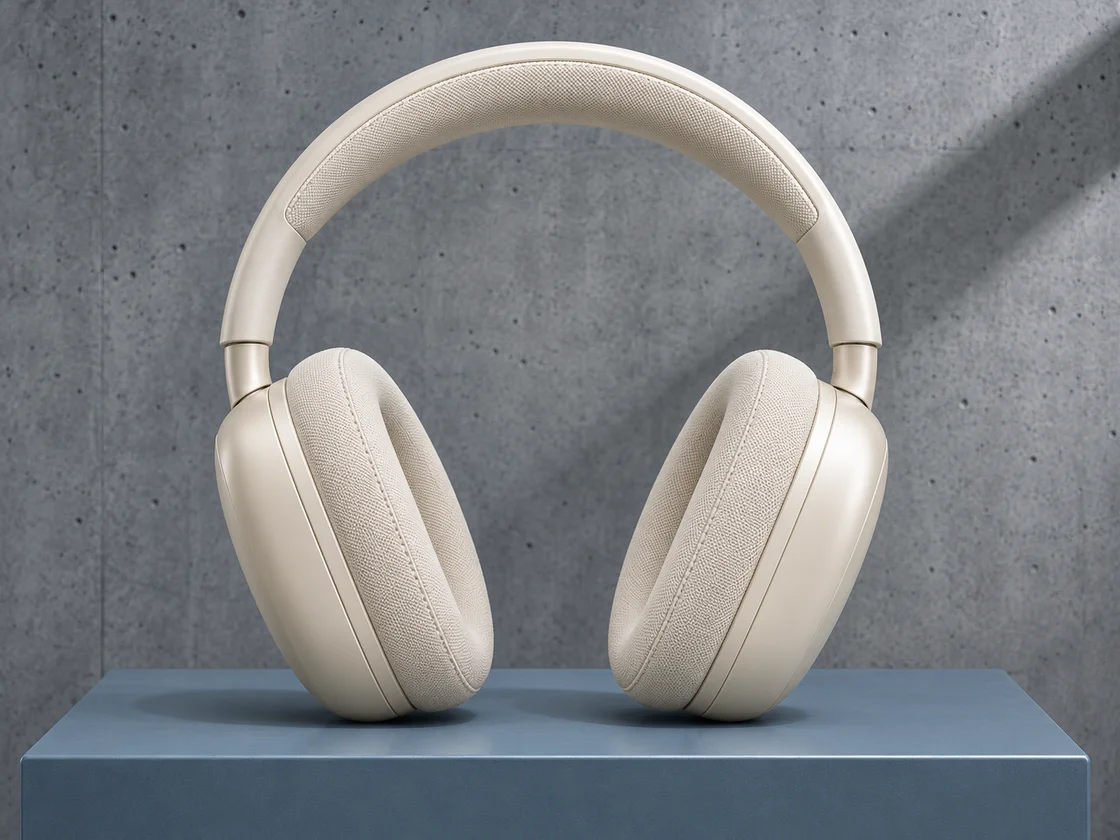
Start with a photo that clearly shows the item’s color and shape. Run the divider across the headphones to compare the stitching, the fabric grain, and the edge of each cushion.

Unblur image now
Cream over-ear headphones on a blue studio plinth

Travel and landscapes

Add definition to soft terrain, trees, and skylines in travel photos. Start with the most detailed original you have for a clearer result.

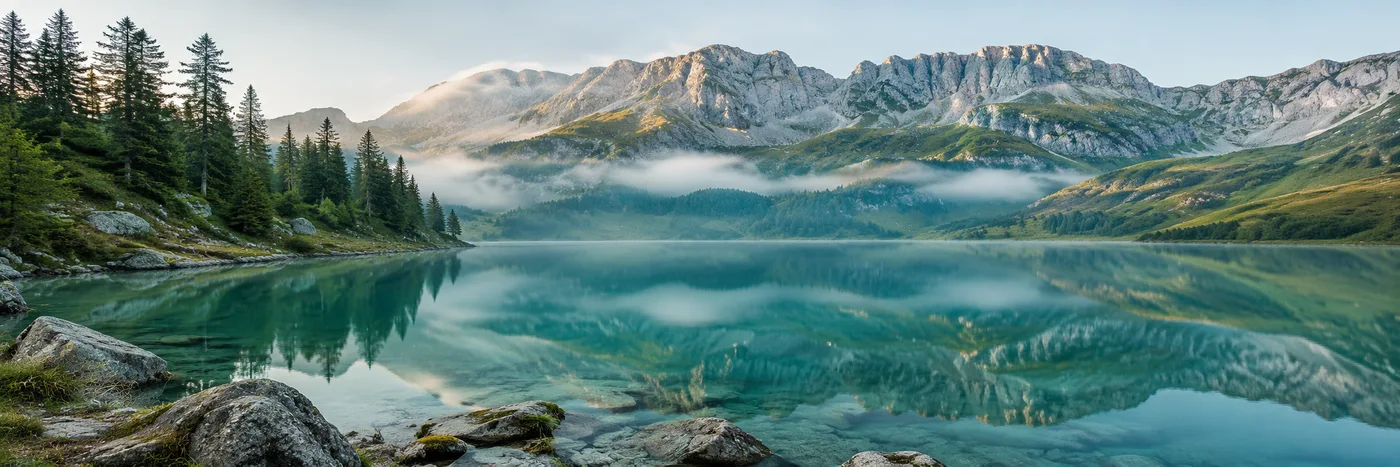
Drag the slider across the mountain ridges, treeline, and lake reflection to compare fine details.

Unblur image now
Clear alpine lake reflecting mountains and a spruce-lined shore

When Photo Deblurring Works Best

Photo deblurring is the process of making edges and details easier to see in a blurry image. According to Adobe, sharpening improves edge definition.

Soft-focus portraits

Use AI unblur to give eyes and hair more definition in selfies and portraits. Compare both versions at full size to see the changes clearly.

Camera shake and compression

Sharpen edges softened by camera shake or compression. Start with the original file when you have it, especially for photos shared through messaging apps.

Small images and fine details

Upscaling adds pixels to smaller images, while sharpening makes outlines easier to see. Zoom in on text, faces, or textures when you compare the result.

Pricing plans

Start with free credits or subscribe for more. Prices in USD.

Monthly

$6.99 / month

200 credits each month

Subscribe
  • AI sharpening for photos and screenshots
  • Automatic upscaling for eligible images
  • Full-size image downloads
  • Credits valid through the billing month

Yearly

Save 34% vs monthly

$54.99 / year

2,400 credits available upfront

Subscribe
  • AI sharpening for photos and screenshots
  • Automatic upscaling for eligible images
  • Full-size image downloads
  • Credits valid through the billing year

Free

$0

10 free credits when you sign up

Sign up free
  • Single-image AI sharpening
  • Automatic upscaling up to 4×
  • Full-size image downloads
  • 2 free credits per day Coming soon

Each image costs 1, 2, or 4 credits. We calculate it automatically based on the original resolution.

Image Unblur FAQs

What to expect before you work on your first photo.

Can I use Unblur Image Free without an account?

You can use the comparison sliders and check your image’s size and credit estimate without signing in. Sign up to get 10 credits and start processing your own images.

What does AI Unblur Image do?

It sharpens edges and brings more definition to details in a photo or screenshot. Eligible smaller images are automatically enlarged by 2× or 4×.

Which formats does AI Unblur Image support?

Choose a static JPG, PNG, or WebP image up to 20 MB and 4,096 pixels on either side. Export HEIC photos as JPG before uploading. Transparent areas can become white.

Can Image Unblur improve text or faces?

It sharpens visible facial features and letter edges. Hold the original button to compare those details with the enhanced image.

Does Image Unblur always make a larger file?

Smaller photos may scale by 2× or 4×. Larger files use same-size 1× enhancement. The tool shows the expected output dimensions after you choose a file.

How many credits will my picture use?

The original pixel count determines whether an image uses 1, 2, or 4 credits. The tool shows the estimated cost after you choose a file.

Where is my result, and how long can I download it?

The result appears in the same tool on this page. Once it is ready, you have up to 24 hours to download it. The tool displays the exact expiration time. Opening or downloading the same available result again uses no additional credits.

What happens to my credits if processing fails?

If a request fails before it starts, your balance stays the same. If a task fails after credits were deducted, the credit return uses the original credits and their existing expiration date. Check the result panel for the refund status before you submit another attempt.

Unblur Image Free to Try

Try AI unblur on a photo of your own. Check its dimensions and estimated credit cost before signing in.

Unblur image now